Tag: effects
-
1.1 part 2 InDesign Essential Training

I have been working on this massive and comprehensive course in LinkedIn about InDesign and finally I got my certificate. I have learned a lot during this week, and I can’t wait to use all the new knowledge I now have with InDesign. Especially when it comes to designing and writing the booklet. – CDH
-
CA1 – Book Cover Design

I have been working on this brief for several weeks, and used the two last weeks to finalize the book cover and my comprehensive report. The brief stated that a new book cover for «The Seven Dials Mystery» by Agatha Christie, should be made with a minimum number of colours, include the number 7 and…
-
MA03 – Adjustments Moodboard

I have made a new moodboard for my MA03, thats also a part of my big project that i’m working on. I wasn’t happy with some of the images in my mood board and I asked for some guidance on forum. I got some feedback and worked with my moodboard with my feedback in mind,…
-
MA03 – Mood Board
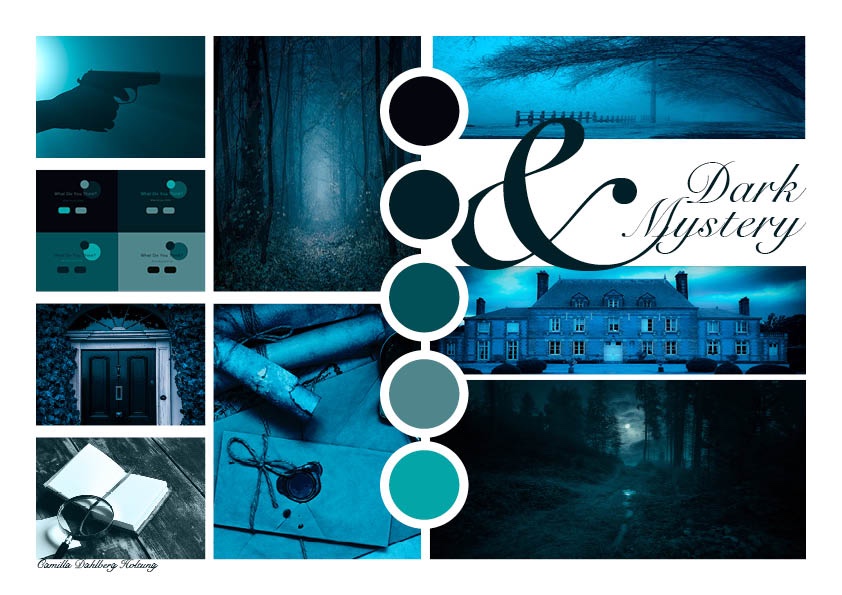
As part of my process of creating a new book cover for «The Seven Dials Mystery» by Agatha Cristie, I needed to develop a mood board to help me. After learning about typography, colour theory and the use of images – I could apply my new knowledge to this project. I used a lot of…
-
3.4(1&2) Fruit Juice Photo Manipulation Effect
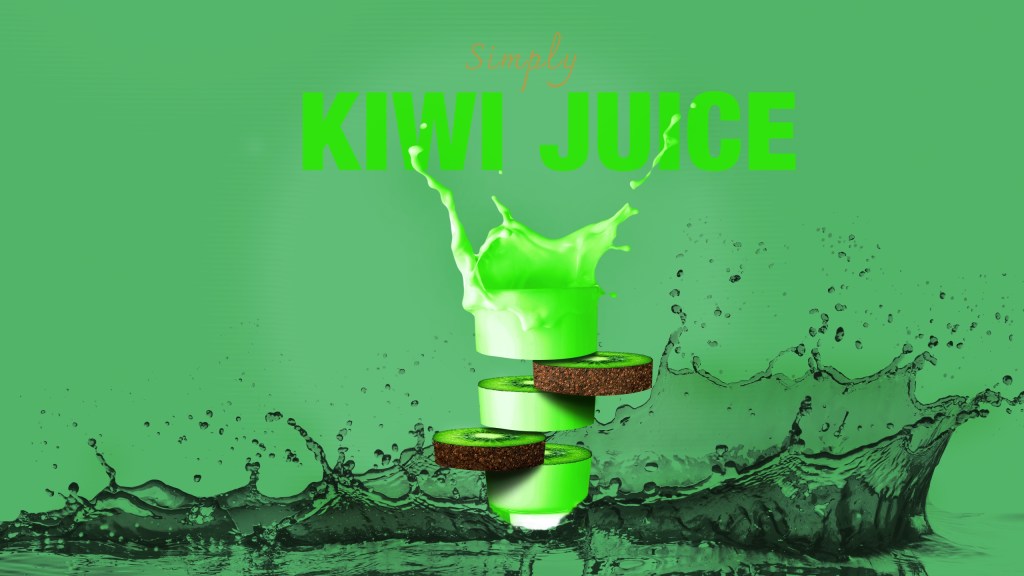
This week I have been using a lot of time reading and studying about images, types of imagery and how to choose the right image. I then followed a learning video created by Tutvid about how to manipulate fruit juice photos. To practise my image sourcing skills, I used different images than in the learning…
-
3.2 Typography 2
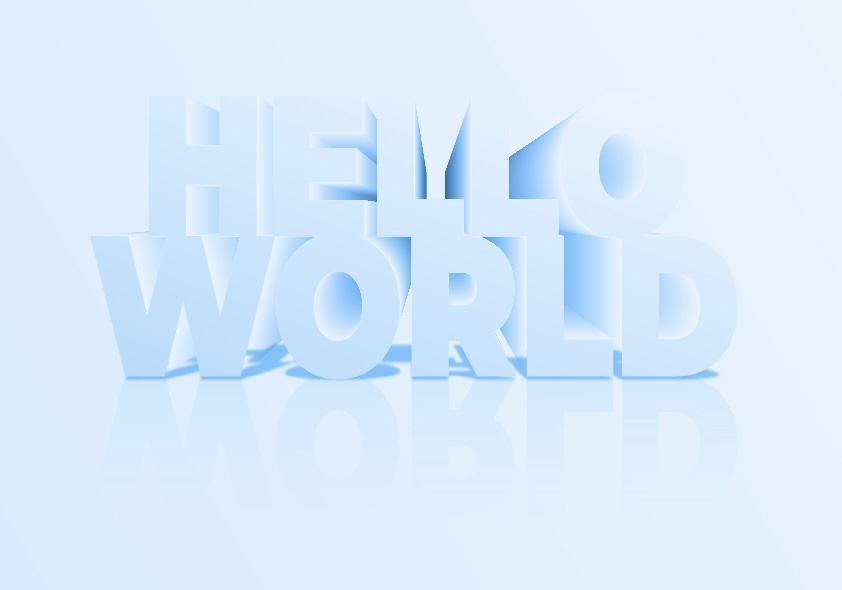
The last week I used a lot of time learning about typography, and how to manipulate text in Illustrator. The lecture videos looked easy and simple to follow, but I got a really hard time with the 3D effect lecture. I used two days to just figure it out, and that’s kind of embarrasing. However,…
-
2.4 (2) Celtic Cross

To learn more about shape builder tool and pathfinder tool I watched a lecture video and learned about the difference. Shape builder tool is the most effective tool in most cases, but pathfinder tool has it’s strengts in some areas where the shape builder tool is weaker. For this assignment I made a Celtic cross…
-
2.2 (1 & 2) Basic Shapes

It’s useful to understand how to create different shapes in Adobe Illustrator as a graphic designer, since they are the building blocks in all design. I first learned how to make different shapes from just a square, with direct selection tool and curve settings. I found it easy and fun to manipulate, creating various shapes…
-
2.1 (2) Dotted Spiral Vortex

To develop skills in Adobe Illustrator I started out with a turtorial on how to create a dotted spiral vortex. There weren’t too many steps and I found it easy as I understand how to «connect the dots» in what I am doing. With this one I realised at the end that I should have…
-
1.3(2) Engraved Texture
This is another Photoshop project I have been working on. For this composite I needed to first create a new texture from scratch. Started out with only 10 pixels width and 10 pixels height (8 bit) in greyscale and white background. Then, to create this I made one half of the white background black, and…
-
1.2.(2) Neon Light Effect
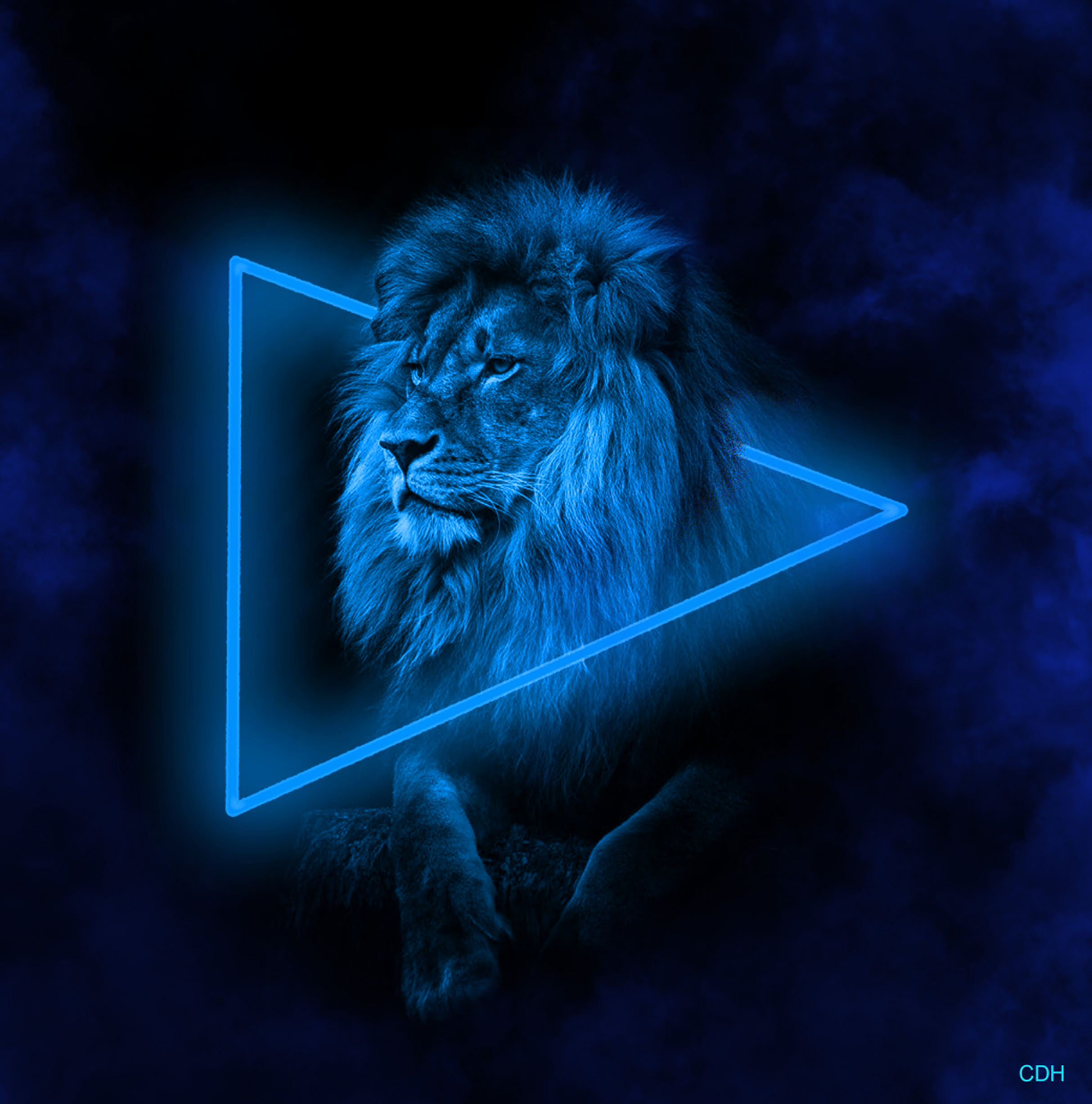
For this project I worked in Photoshop, using a black and white picture of a mighty lion. Aventually creating a neon light effect and smoke around the lion. I startet out with this picture: In the beginning I started with making the black background bigger. In order to have more workspace for the shape, neon…

 CDHGraphicDesign