Tag: illustrator
-
CA – Graphic Design 2
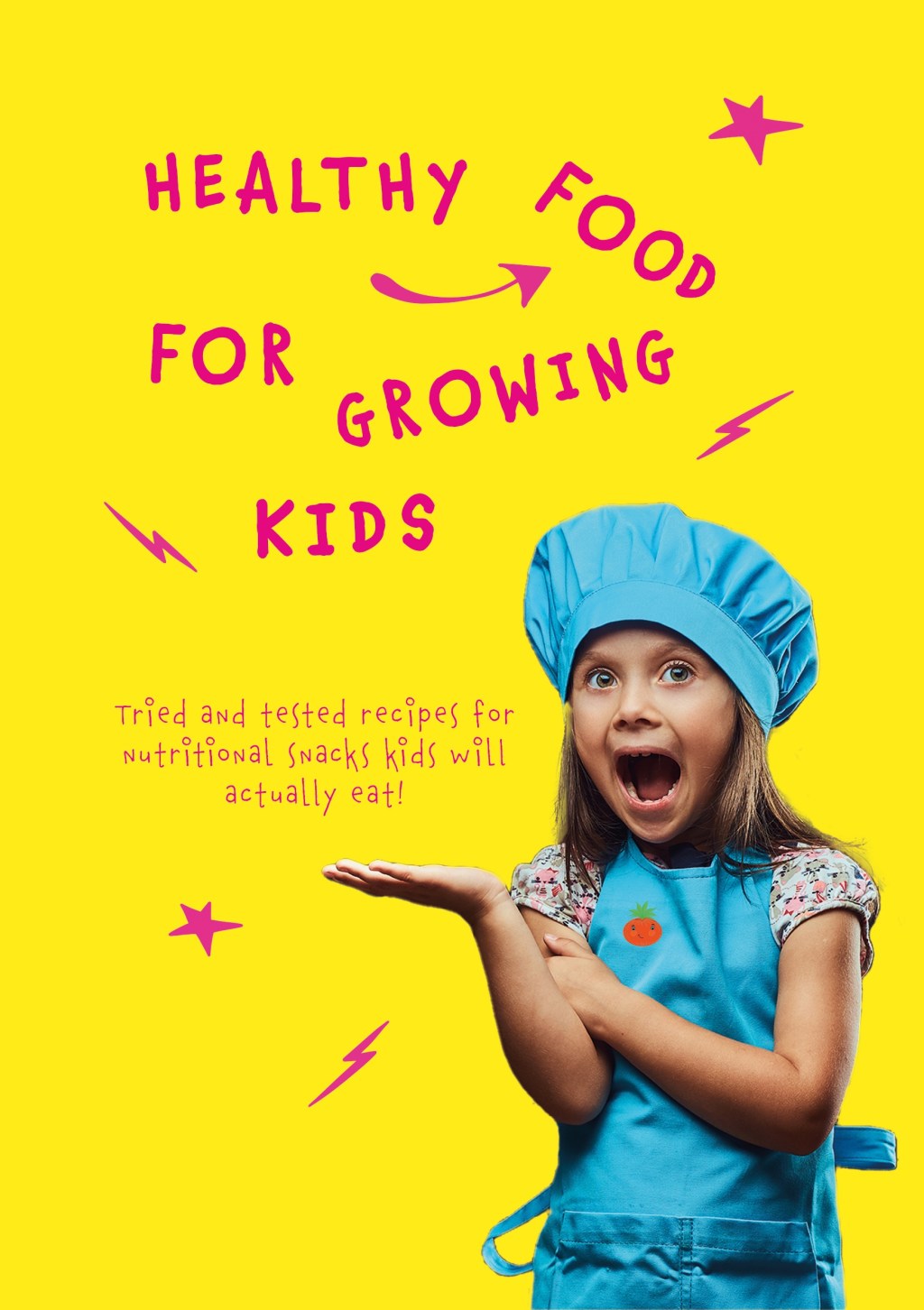
These past weeks I have been learning about layout design, composition, guidlines, layout principles and so on. It has been some intensive weeks, with a lot of tasks, assignments and an exciting CA brief. I have already written a god deal about this CA’s brief – however, the brief stated that a recipe booklet should…
-
CA – Strategic Design 1

I submitted my final design and report on thursday 1 of december, one day before the deadline. After intense work with the design for Fra Gård I just shut down a little while, so I didn’t post about it right away here on the blog. I could reveal right now that I have got the…
-
CA1 – Book Cover Design

I have been working on this brief for several weeks, and used the two last weeks to finalize the book cover and my comprehensive report. The brief stated that a new book cover for «The Seven Dials Mystery» by Agatha Christie, should be made with a minimum number of colours, include the number 7 and…
-
3.2 Typography 2
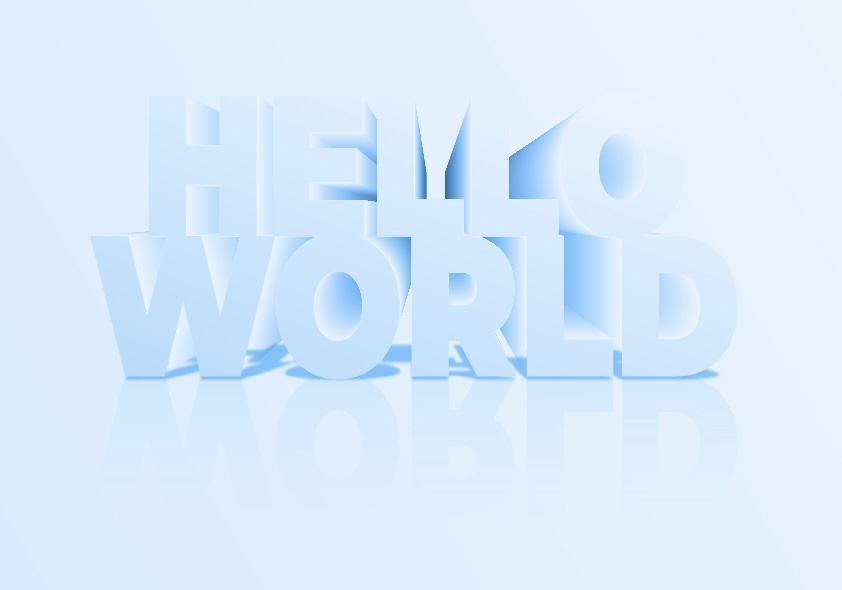
The last week I used a lot of time learning about typography, and how to manipulate text in Illustrator. The lecture videos looked easy and simple to follow, but I got a really hard time with the 3D effect lecture. I used two days to just figure it out, and that’s kind of embarrasing. However,…
-
2.4 (2) Celtic Cross

To learn more about shape builder tool and pathfinder tool I watched a lecture video and learned about the difference. Shape builder tool is the most effective tool in most cases, but pathfinder tool has it’s strengts in some areas where the shape builder tool is weaker. For this assignment I made a Celtic cross…
-
2.2 (1 & 2) Basic Shapes

It’s useful to understand how to create different shapes in Adobe Illustrator as a graphic designer, since they are the building blocks in all design. I first learned how to make different shapes from just a square, with direct selection tool and curve settings. I found it easy and fun to manipulate, creating various shapes…
-
2.1 (2) Dotted Spiral Vortex

To develop skills in Adobe Illustrator I started out with a turtorial on how to create a dotted spiral vortex. There weren’t too many steps and I found it easy as I understand how to «connect the dots» in what I am doing. With this one I realised at the end that I should have…
 CDHGraphicDesign