Tag: Adobe
-
MA01 part 4 – Thumbnail sketches of the layout

I have been sketching and trying to work out the layout for my booklet design. I had these things in mind while sketching: – CDH
-
MA01 part 3 – Moodboard

I have created a moodboard for this CA brief with Adobe InDesign. It’s energetic, happy and inspiring for my booklet work. I might adjust the moodboard during this process. This is it, hopefully this will help me with my inspiration and ideation during this creative work. – CHD
-
1.1 part 2 InDesign Essential Training

I have been working on this massive and comprehensive course in LinkedIn about InDesign and finally I got my certificate. I have learned a lot during this week, and I can’t wait to use all the new knowledge I now have with InDesign. Especially when it comes to designing and writing the booklet. – CDH
-
MA02 part 2 – Moodboard

I’ve created a moodboard with my CA brief in mind. I am developing a logo design for Fra Gård and this moodboard represents my inspiration for that logo design. First of I have included two types of typography, Merriweather in a light weight and Beloved Sans in a Regular weight. Both of these typefaces are…
-
CA1 – Book Cover Design

I have been working on this brief for several weeks, and used the two last weeks to finalize the book cover and my comprehensive report. The brief stated that a new book cover for «The Seven Dials Mystery» by Agatha Christie, should be made with a minimum number of colours, include the number 7 and…
-
3.3 (2) Generate Two Different Colour Themes – Colour Theory
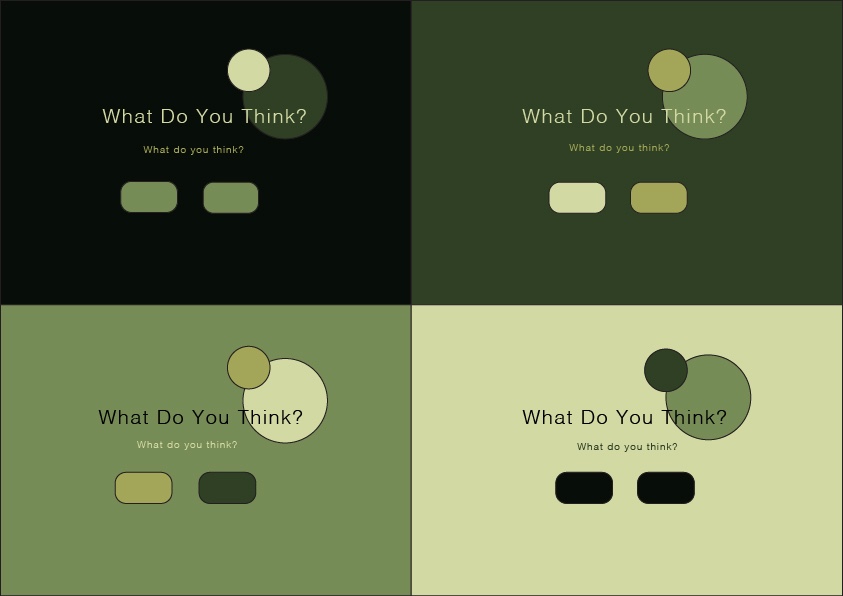
As part of my big project I need to create colour theme options for my mood board, which will help me in creating and developing a new book cover for «The Seven Dials Mystery». After reading, studying and working through the course in Adobe Color – I started doing a lot of research around mysterious…
-
2.4 (2) Celtic Cross

To learn more about shape builder tool and pathfinder tool I watched a lecture video and learned about the difference. Shape builder tool is the most effective tool in most cases, but pathfinder tool has it’s strengts in some areas where the shape builder tool is weaker. For this assignment I made a Celtic cross…
-
2.2 (1 & 2) Basic Shapes

It’s useful to understand how to create different shapes in Adobe Illustrator as a graphic designer, since they are the building blocks in all design. I first learned how to make different shapes from just a square, with direct selection tool and curve settings. I found it easy and fun to manipulate, creating various shapes…
 CDHGraphicDesign