Category: Photoshop
-
3.4(1&2) Fruit Juice Photo Manipulation Effect
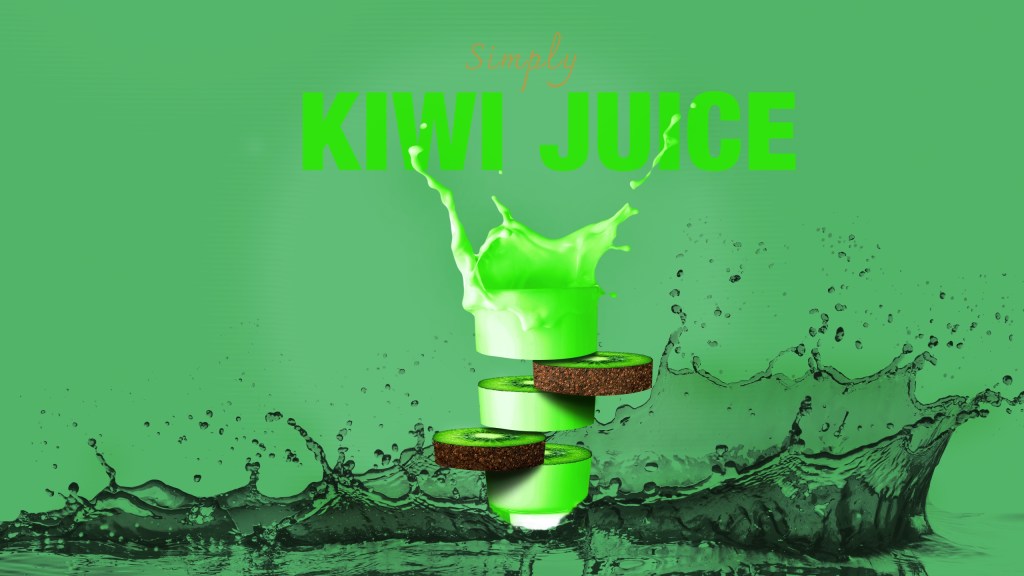
This week I have been using a lot of time reading and studying about images, types of imagery and how to choose the right image. I then followed a learning video created by Tutvid about how to manipulate fruit juice photos. To practise my image sourcing skills, I used different images than in the learning…
-
New Header
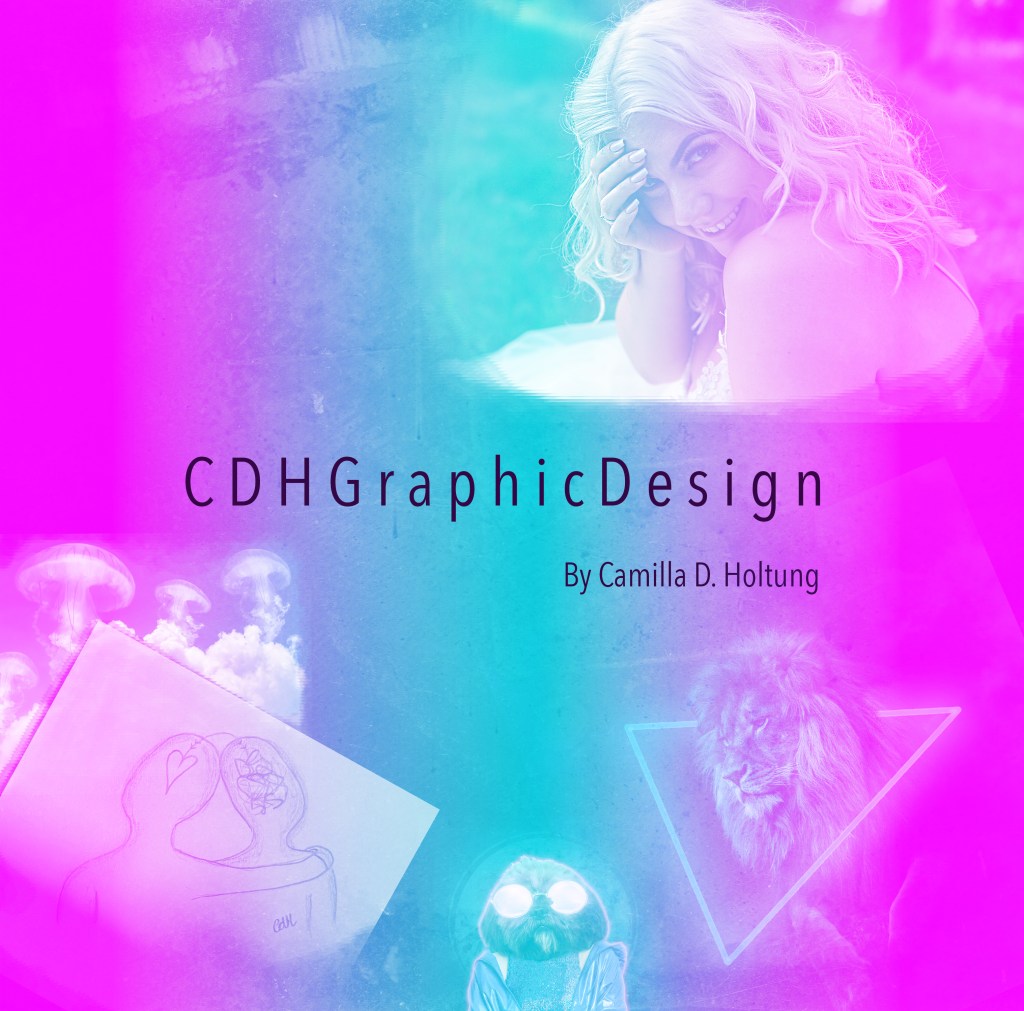
I tried to make a new header for my blog and reflective journal, with what I have learned so far! I hope to update it a long the way with new skills. I found it a bit hard to adjust the header in the wordpress menu – so i’ll have to work on that. However,…
-
1.4(2) Animal Human Portrait
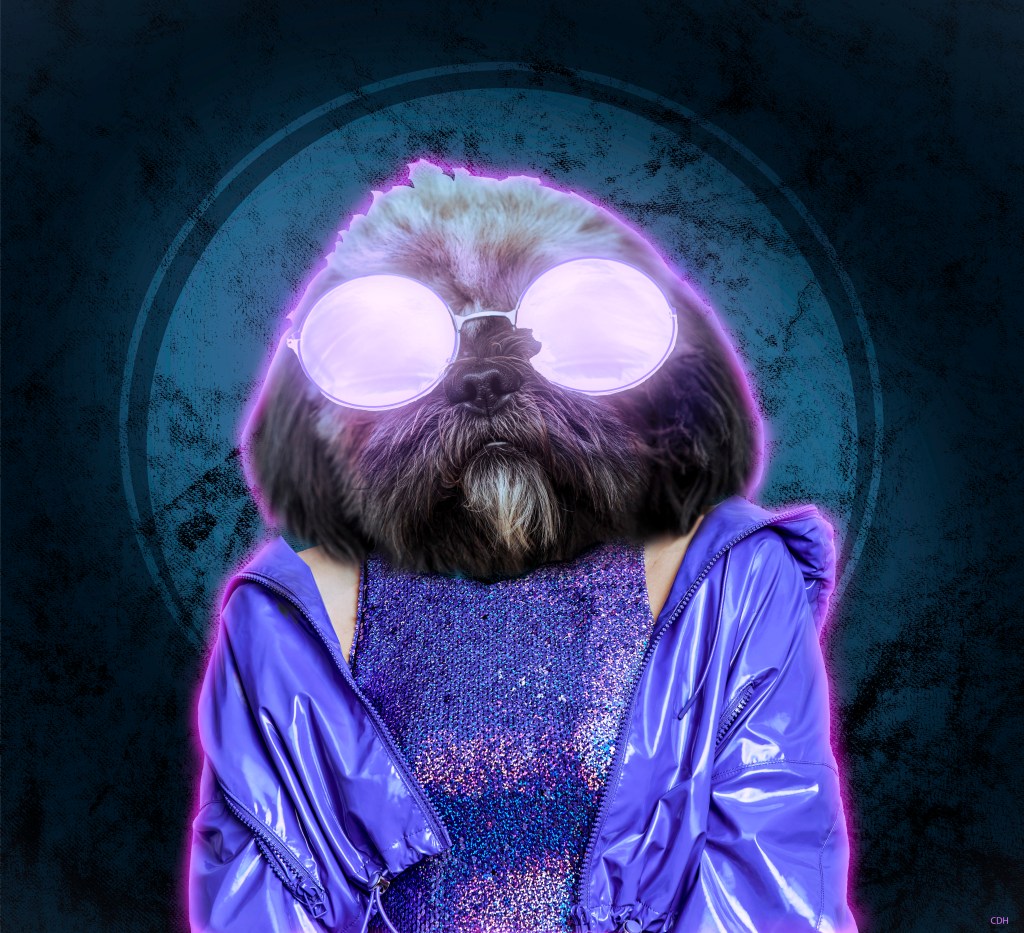
For this project I followed a tutorial on how to make an animal human portrait in Photoshop. I didn’t want to use the same pictures and textures as the man in the video, so I found something different. I might have given my self an extra challenge when I chose this fluffy dog: And this…
-
1.3(2) Engraved Texture
This is another Photoshop project I have been working on. For this composite I needed to first create a new texture from scratch. Started out with only 10 pixels width and 10 pixels height (8 bit) in greyscale and white background. Then, to create this I made one half of the white background black, and…
-
1.2.(2) Neon Light Effect
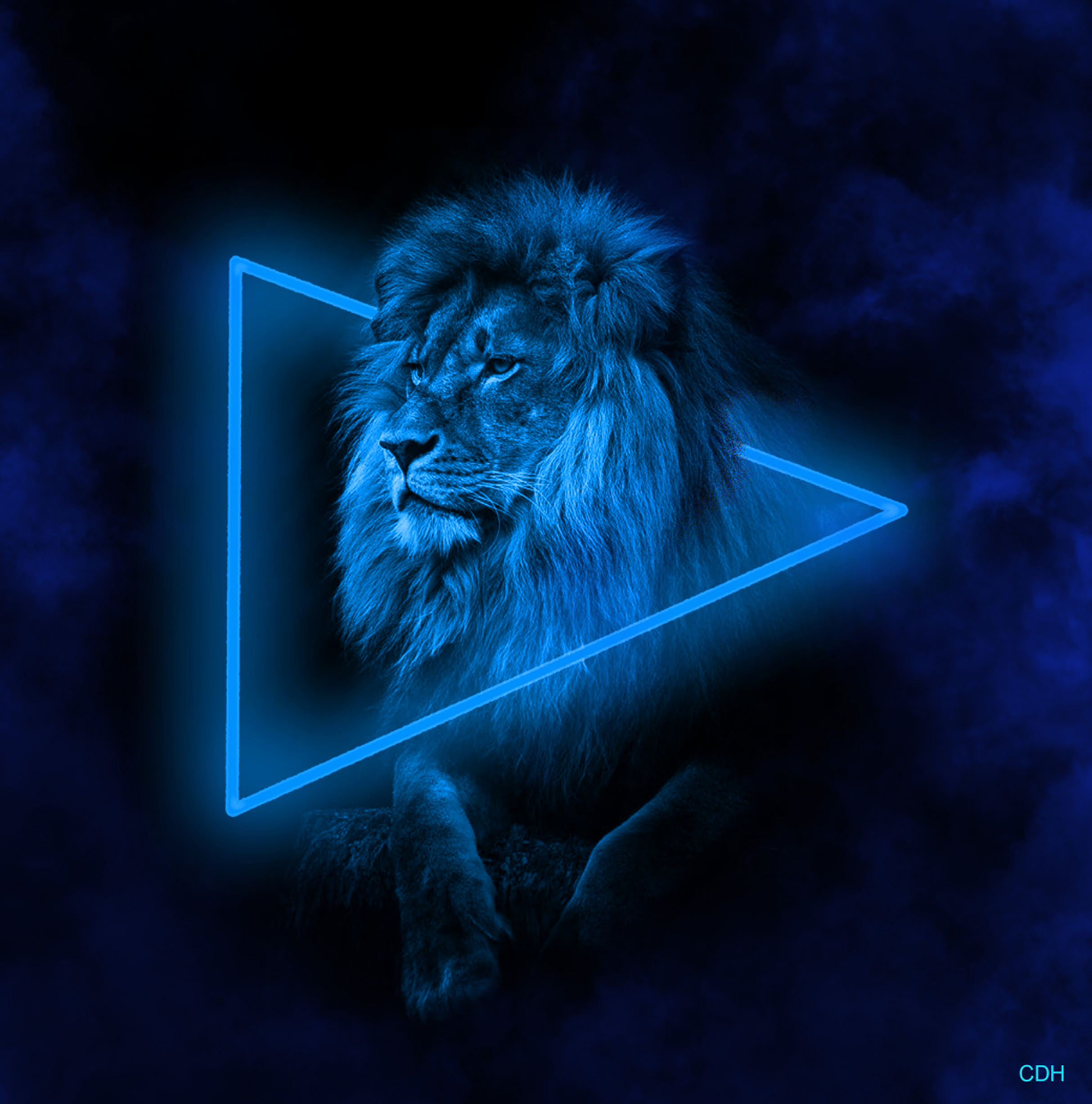
For this project I worked in Photoshop, using a black and white picture of a mighty lion. Aventually creating a neon light effect and smoke around the lion. I startet out with this picture: In the beginning I started with making the black background bigger. In order to have more workspace for the shape, neon…

 CDHGraphicDesign