One of the most important tools a graphic designer should master – is typography!
As a designer we need to be able to use typography in a creative and custom way – know how to make adjustments so we enhance the readability, and make the reader intrigued. As a graphic designer you can also specialise in typography design, developing new typefaces and fonts.
So, to learn more about typography and InDesign I took a comprehensive course in LinkedIn Learning as part of my education.
I learned:
- How to create a typographic workspace
- Understanding the anatomy and terminology of type.
- Choosing typefaces
- Sizing and scaling type
- Formatting characters
- Adjusting leading
- Tracking and Kerning
- Using the glyphs panel
- Adding special characters: dashes, quotes, ellipses etc.
- Using OpenType features like ligatures and fractions.
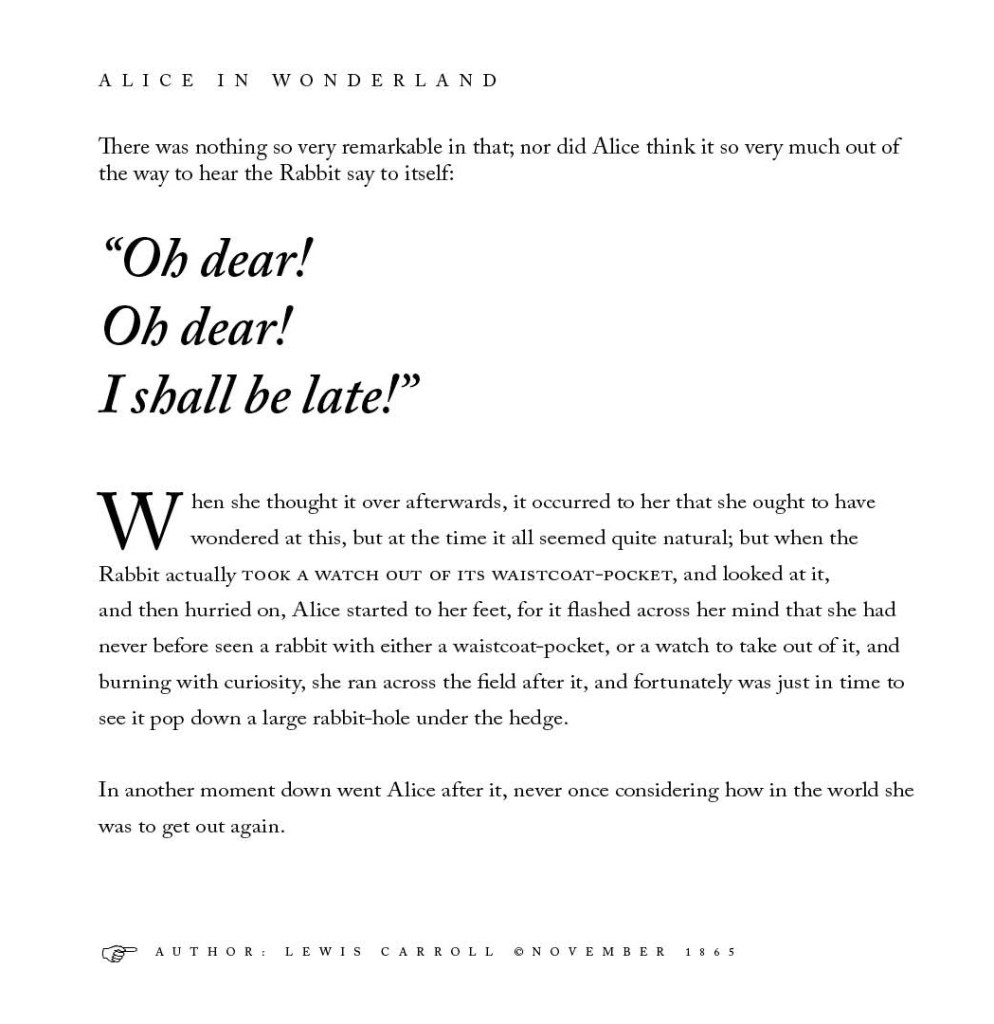
3.1 (2) I then tried my new skills in InDesign and made this text:
Best regards, CDH

 CDHGraphicDesign
Leave a comment