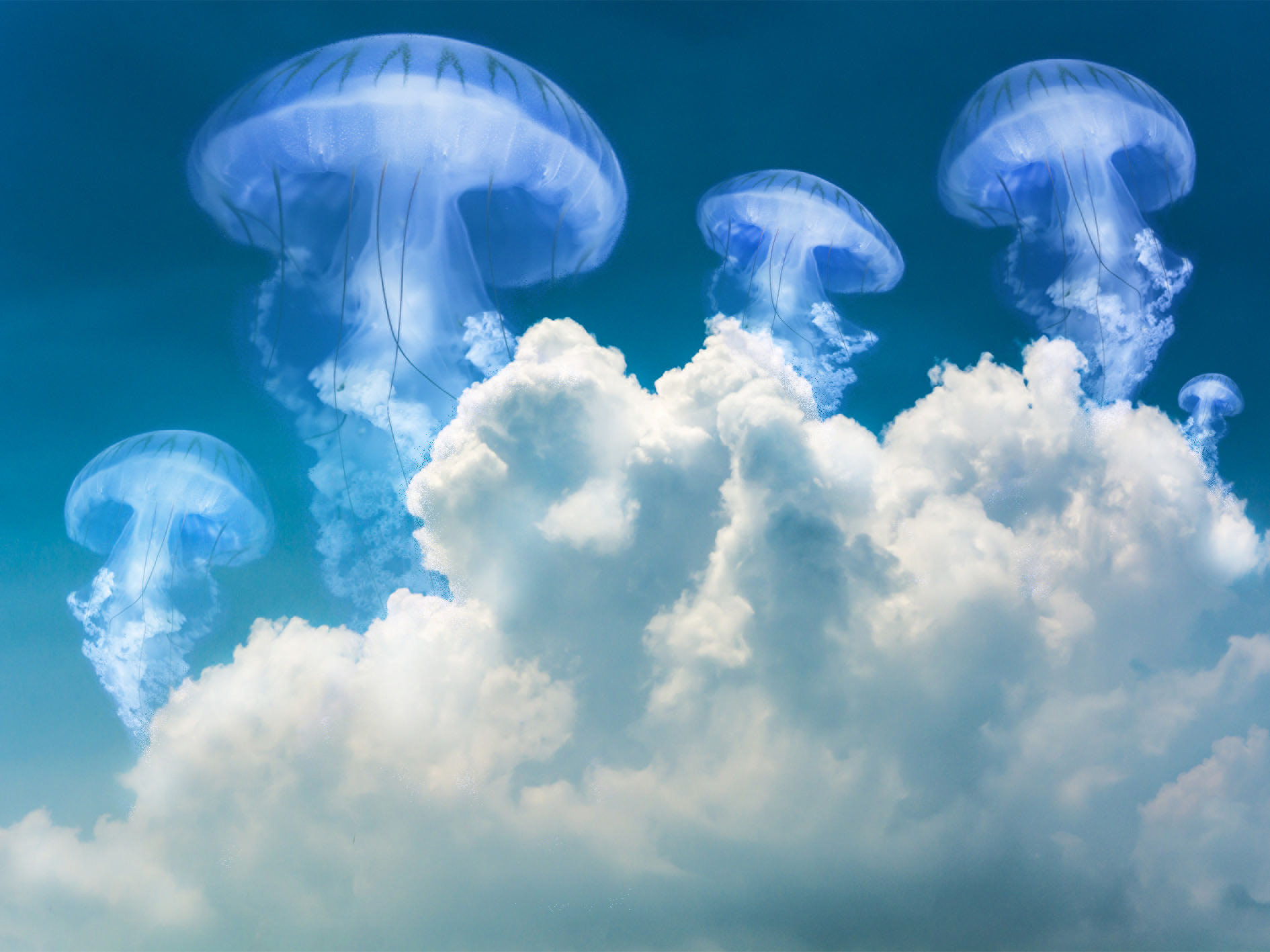
For this period I’m working on my Graphic design software skills. The main Graphic design softwares are: Photoshop, Illustrator and InDesign.
For this task I used Photoshop, and multiple images and blended them together. I have no experience with Photoshop so this took me a while to figure out.
After sitting with one project for hours and suddenly understand how to do certain things, like duplicate the jellyfish. Oh, boy – that took me some time. After figuring it out, I was so happy and this epiphany came to me. How easy it is once you first learn it.
I learned shortcuts i can use, this works on MacBook:
- Command + J = duplicate/ copy
- Command + T = Transform/ adjust
- Control + clicking = more options like warp, rotate etc.

I started with this picture, a blue sky with fluffy clouds. I could have used the pictures from the lecture video, but I wanted to try it out with something new and use a bit of my own creativity.
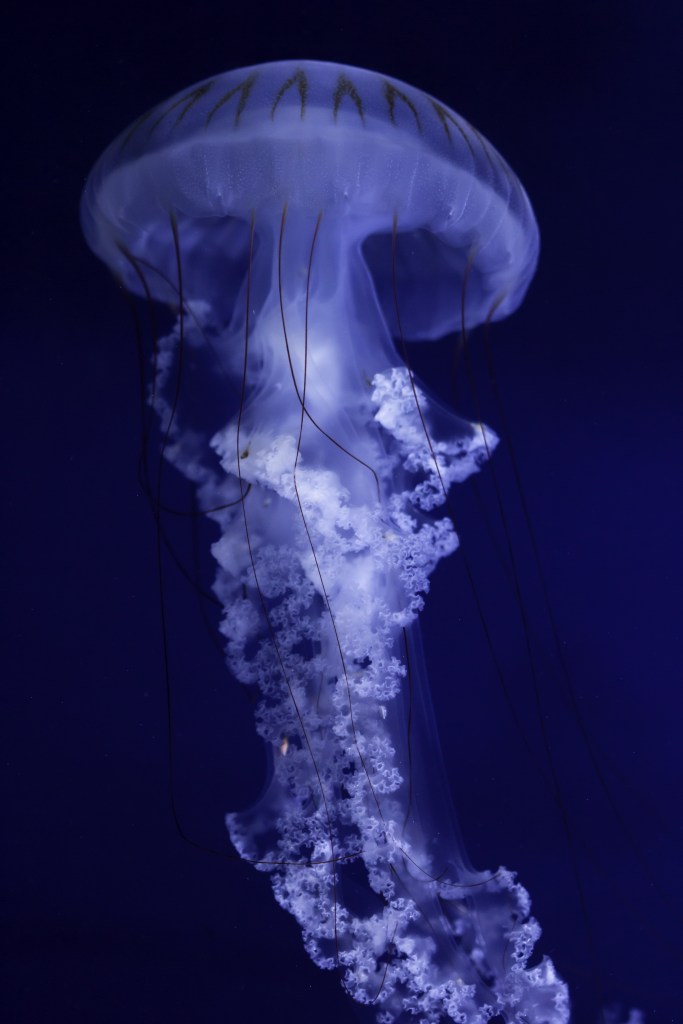
Then I blended this jellyfish image into the sky. I had two layers and added a mask to the jellyfish layer. Then I used black to even out the edges and blend it in, after that I used screen or «raster» to blend even more.
I then used my new shortcuts to manipulate the jellyfish in different ways to look unique, and different from each other. I warped and rotated.
At the end I went over with more black to fix small imperfections. In addition to that I used the light tool to colour adjust the parts I wanted to «pop» more.
I want to continue experimenting with blending multiple images, it was a lot of fun.

I want to share the learning process and how I started out. I personally feel that the «Jellyfish in the sky» Photo turned out better than the «Moon in the water» Photo.
Off to the next task and challenge!
Best regards, CDH
 CDHGraphicDesign
Leave a comment